Updates for the client
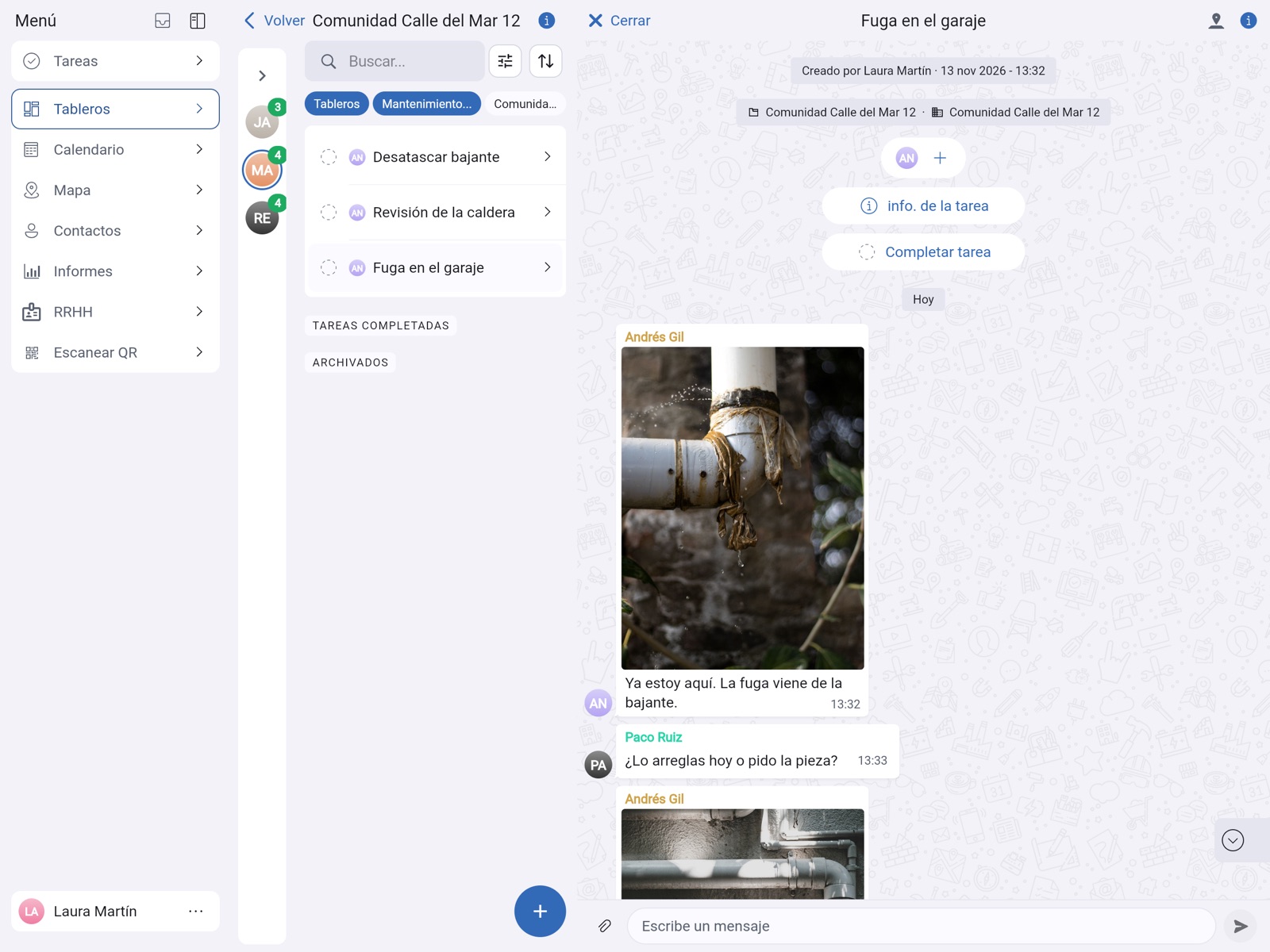
“We’ll be there tomorrow at 9:00 to take a look.” The client gets it on their phone and replies in the same chat.
Maintenance, renovation, installers, cleaning, garages…
Every task and every inbox has its own chat, with photos, videos and files. No more hunting through WhatsApp, calls and email. And your clients and suppliers join for free as guests and only see what concerns them.
Smooth communication
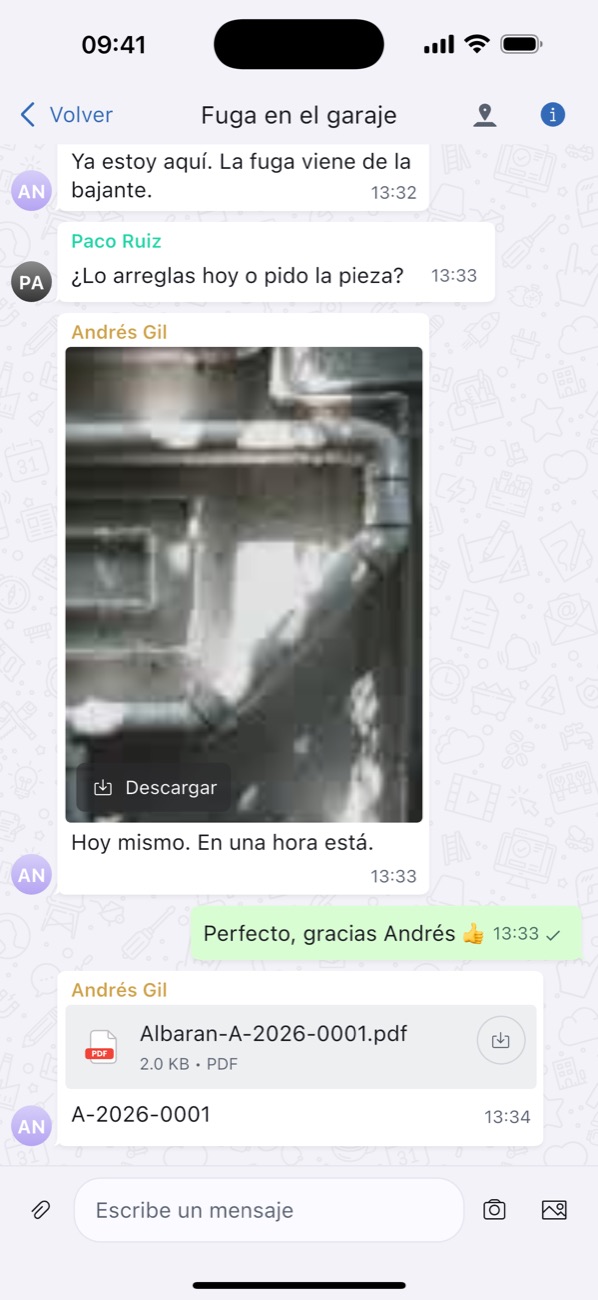
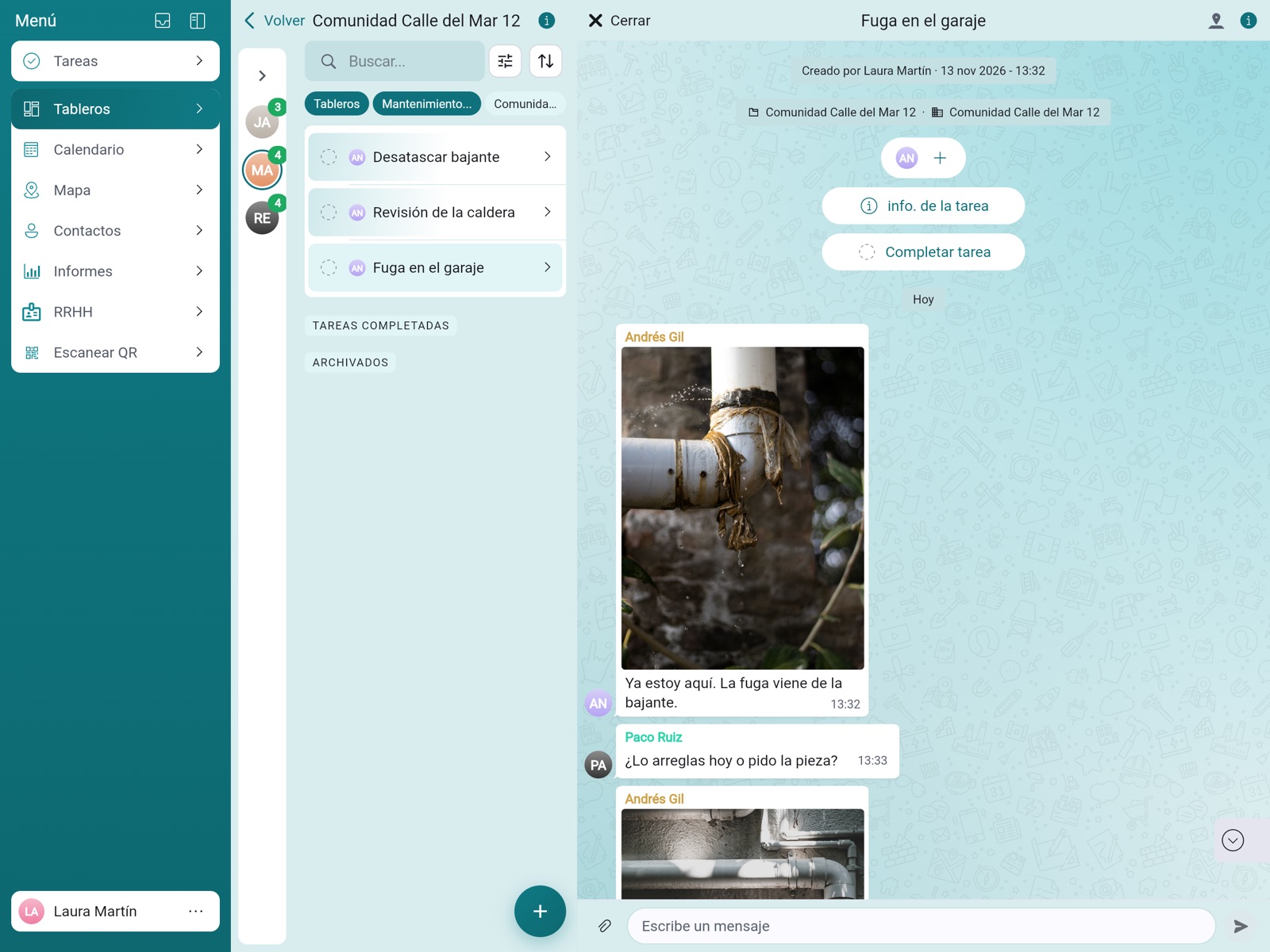
Your team, your office, your clients and your suppliers talk in the chat of each task or inbox, with photos, videos and files. What gets said stays with the job, not on someone’s phone.
“We’ll be there tomorrow at 9:00 to take a look.” The client gets it on their phone and replies in the same chat.
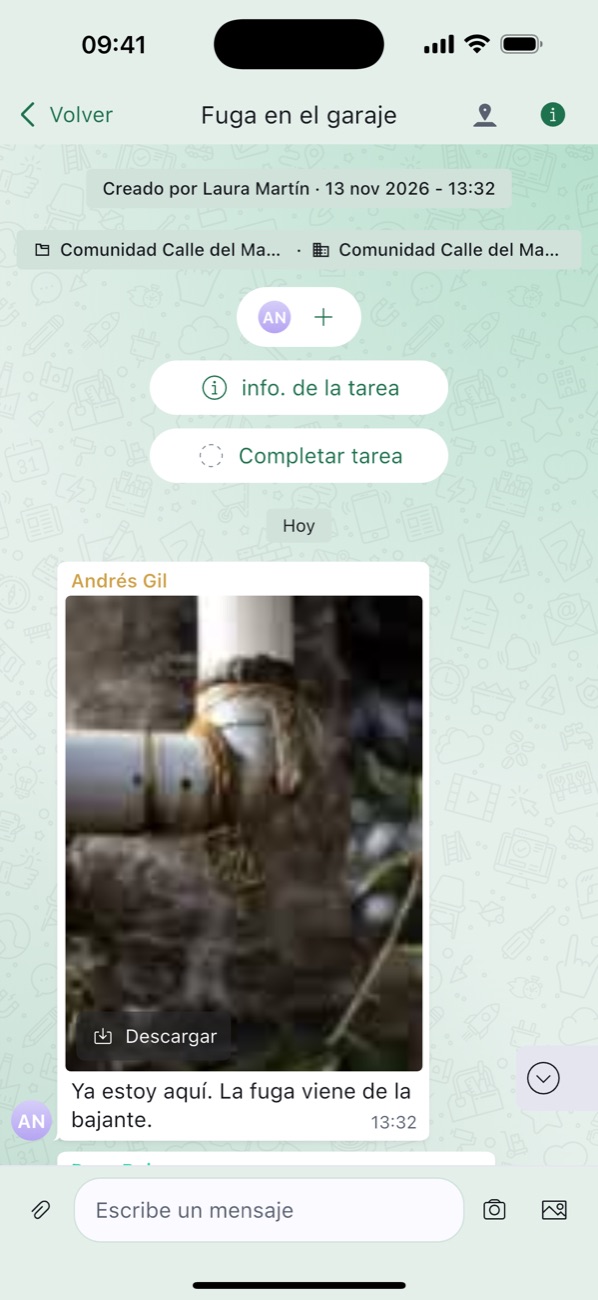
The technician sends the before and after on the spot. The client sees it without having to call.
They write “Order confirmed, arriving Thursday” in their inbox and it’s kept with the order.
Every conversation lives in its task, with its photos, files and delivery notes. If someone changes phone or goes on holiday, nothing gets lost.
Clients and suppliers join for free as guests of an inbox: send them a link, show them the QR code or pick them from your contacts. They only see what concerns them.
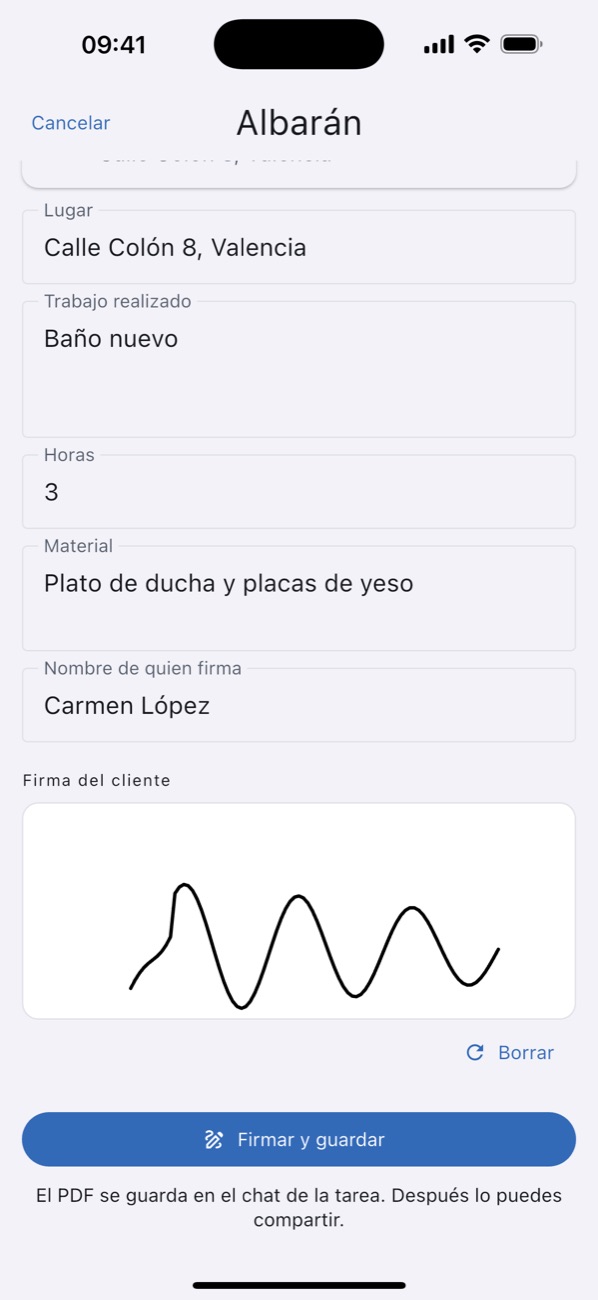
 Fixed. Here’s the photo and the signed delivery note. Signed delivery note.pdf
Your colours
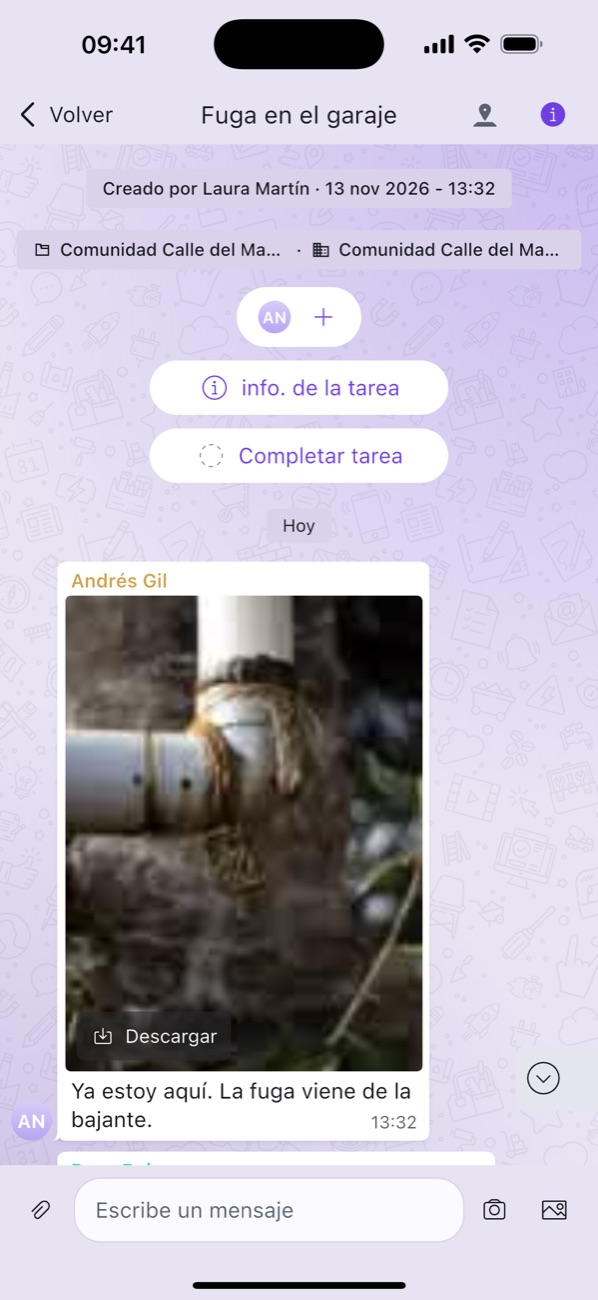
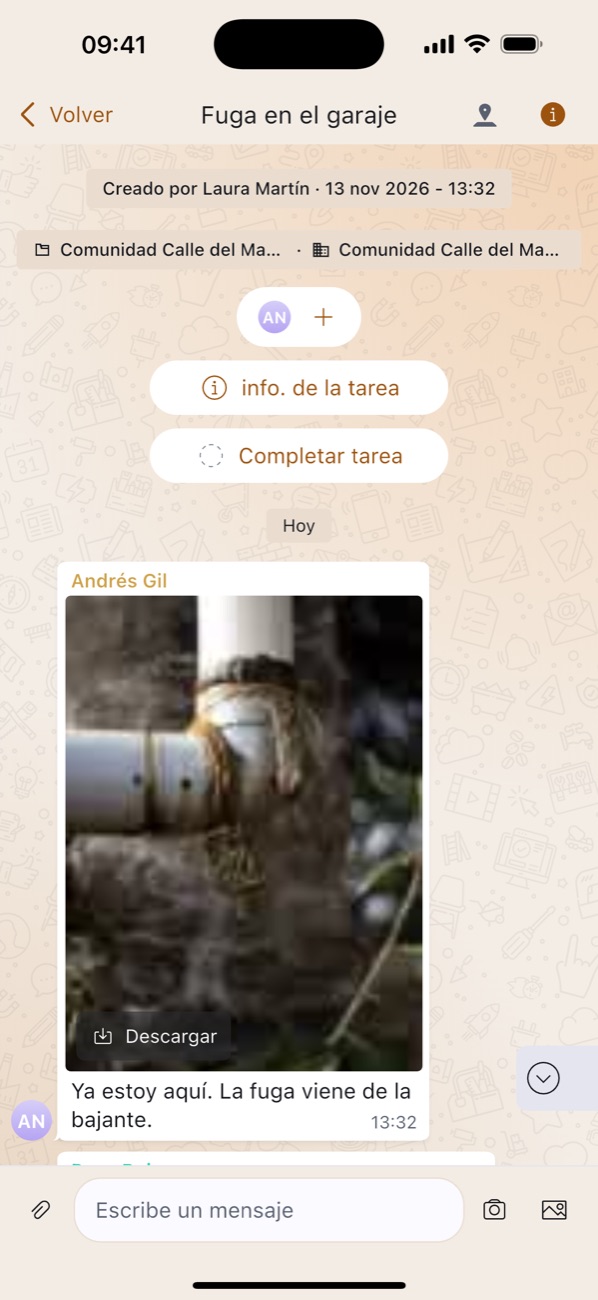
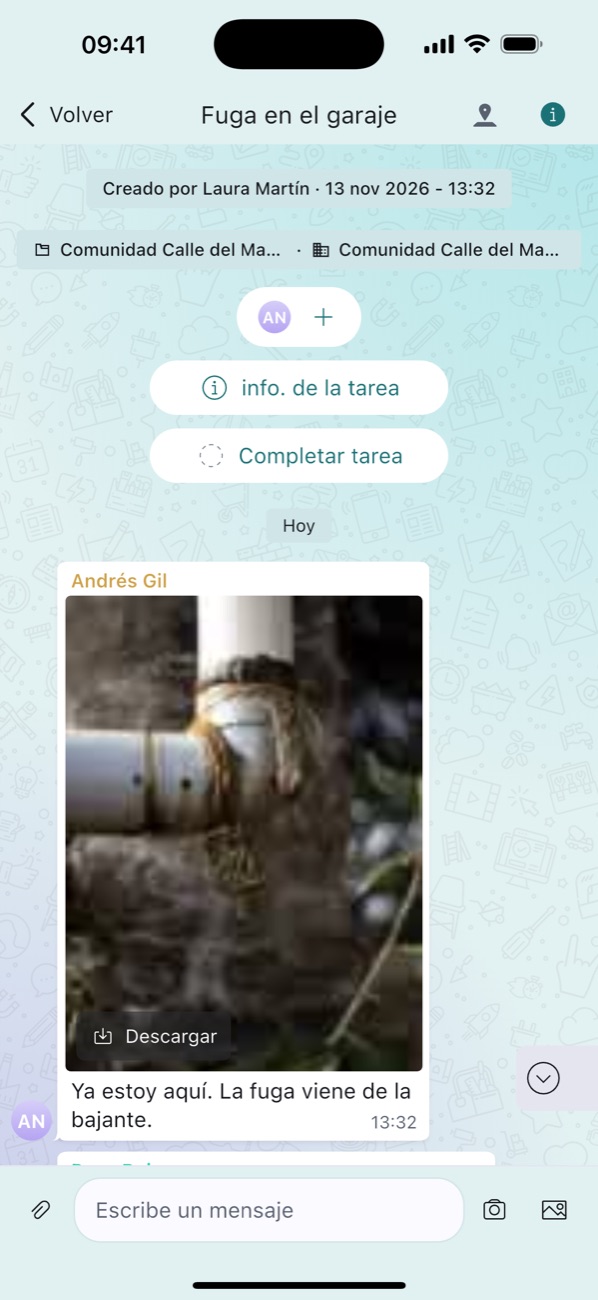
Everyone picks the colour of their app, in three intensities. Or the rainbow, which changes every time you pick it.

Our story
Because what happens on each job can’t stay on someone’s phone.
«For years, everything important in our company lived in WhatsApp groups, in emails and on a messy server. When someone changed phones, it was lost. We built TaskTeam for ourselves. We didn’t ban anything: once everything is in one place, people stop using the rest.»Gabriel · Grupo Lozano, Alicante


On the job
Every task has its own chat, with its photos, videos, audio and files. What you send from your phone shows up at once in the office. And if there’s no signal, it goes out by itself once the signal is back.
In the office
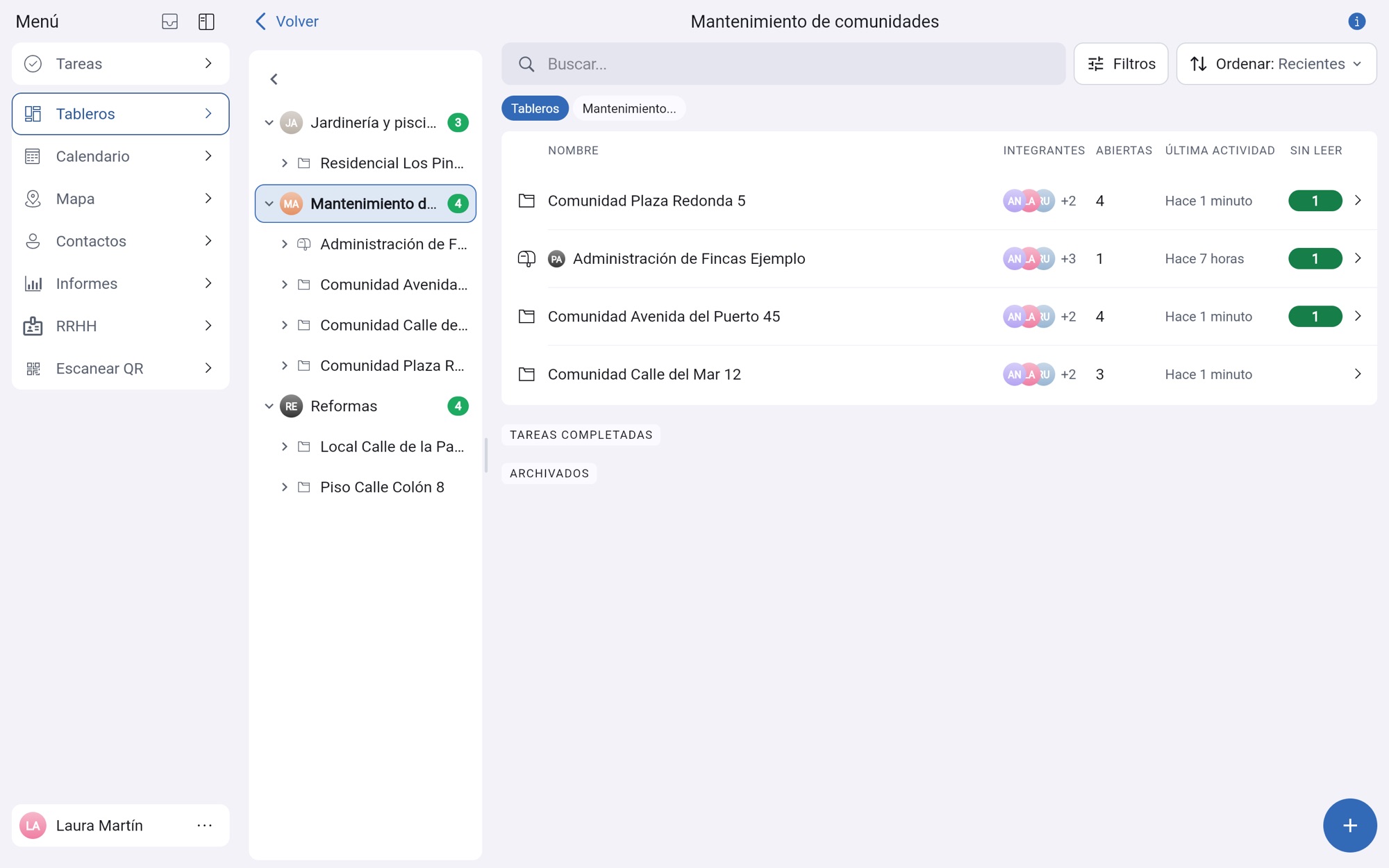
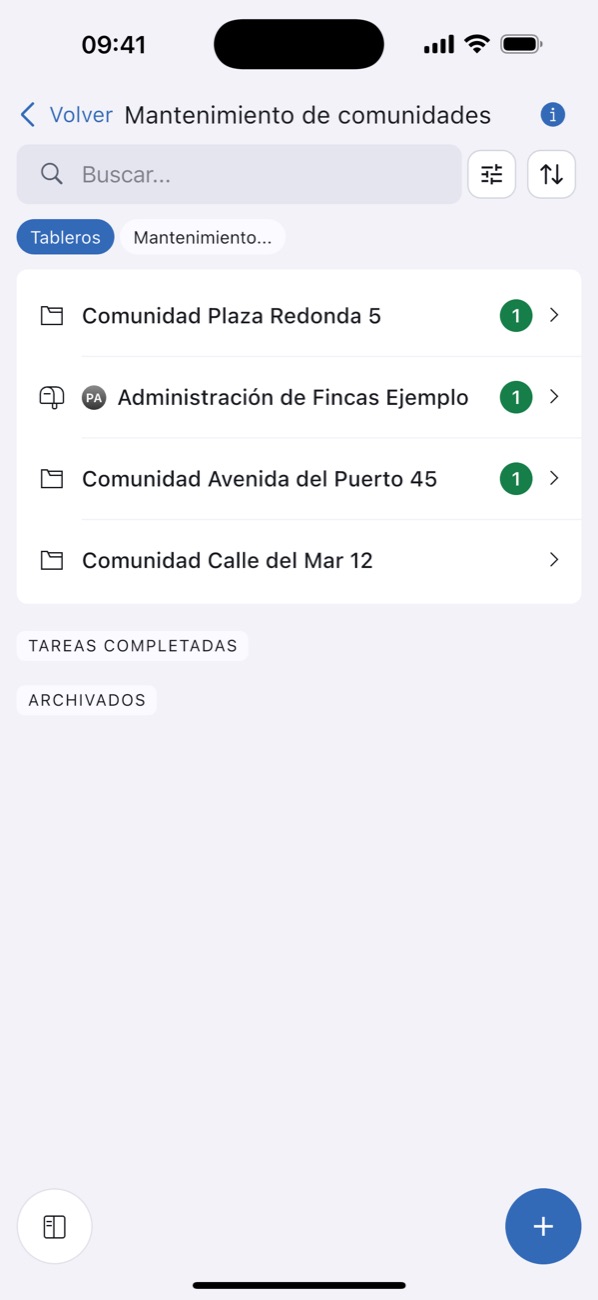
One folder per client, per location or per stage. An explorer with windows, drag, move and copy, just like on your computer.
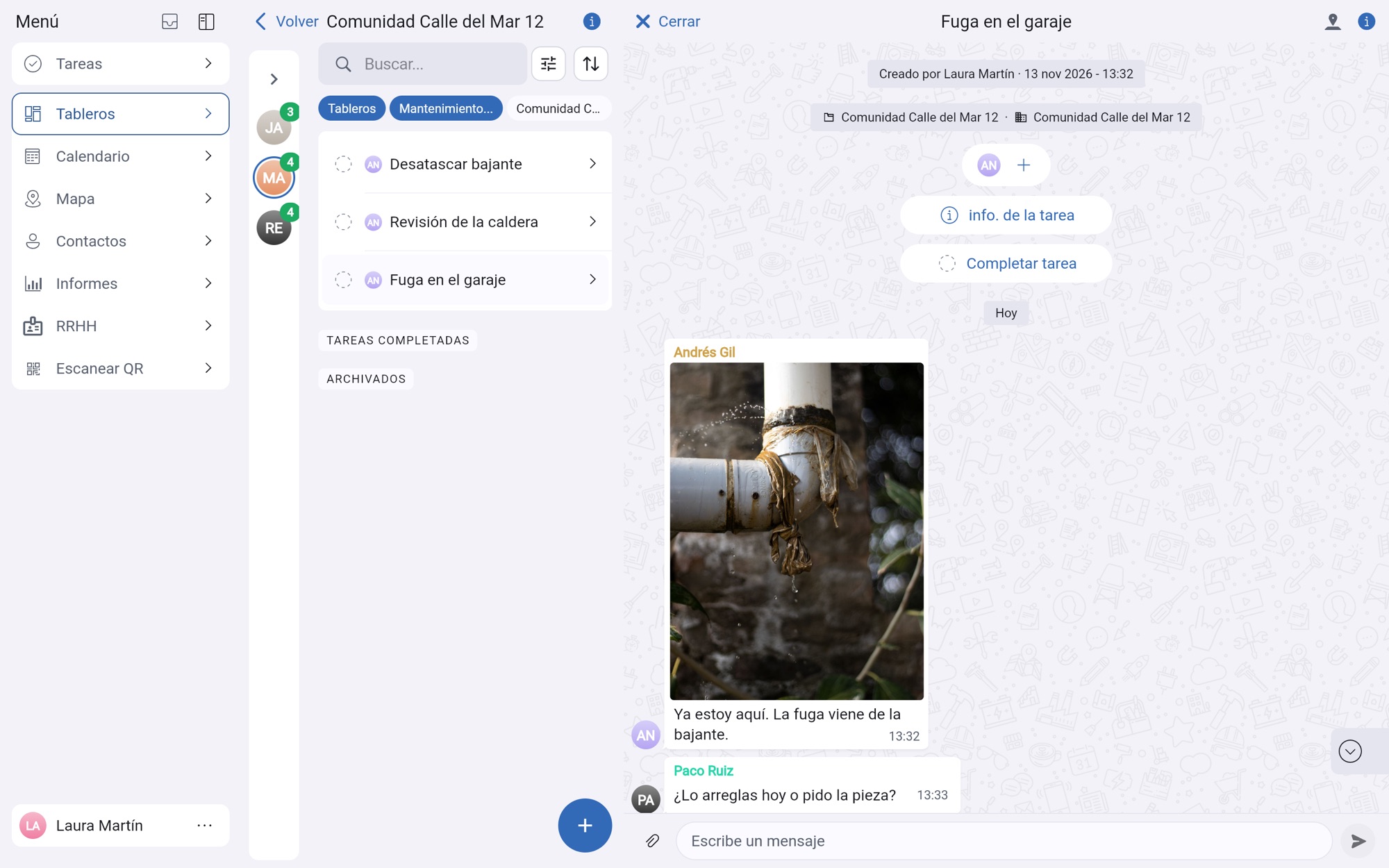
On the left, your clients’ folders. On the right, an open task with its chat.
Map
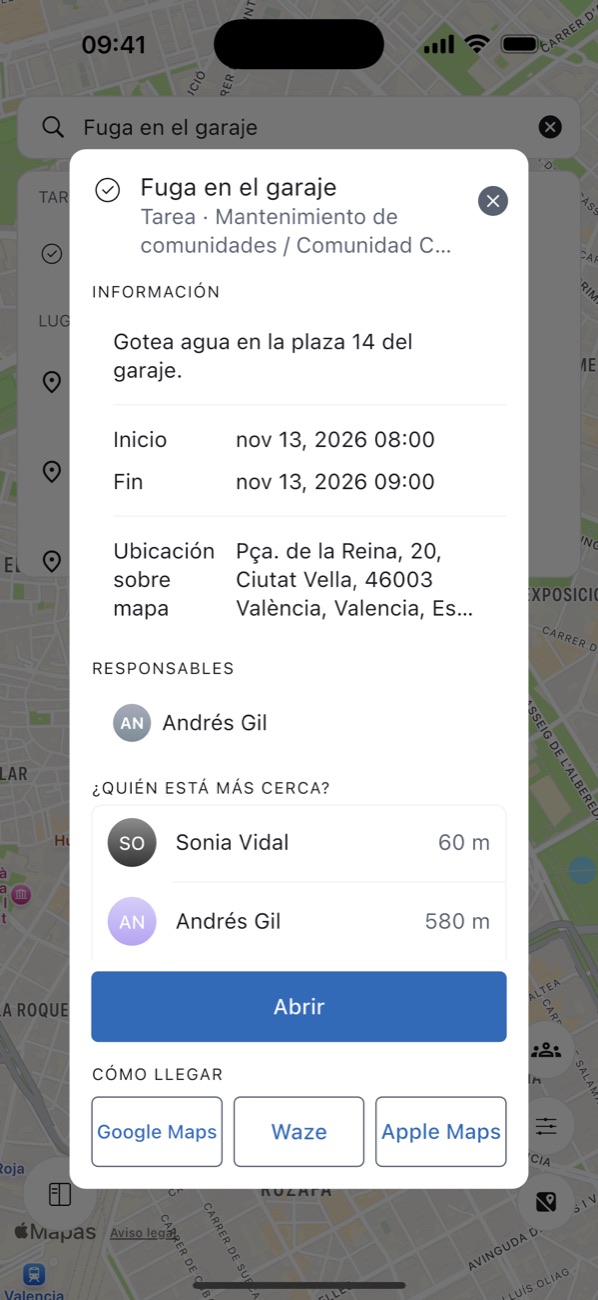
Tasks and clients show up where they are. Everyone sees their route for the day and the office knows what’s happening at each location, without calling anyone.
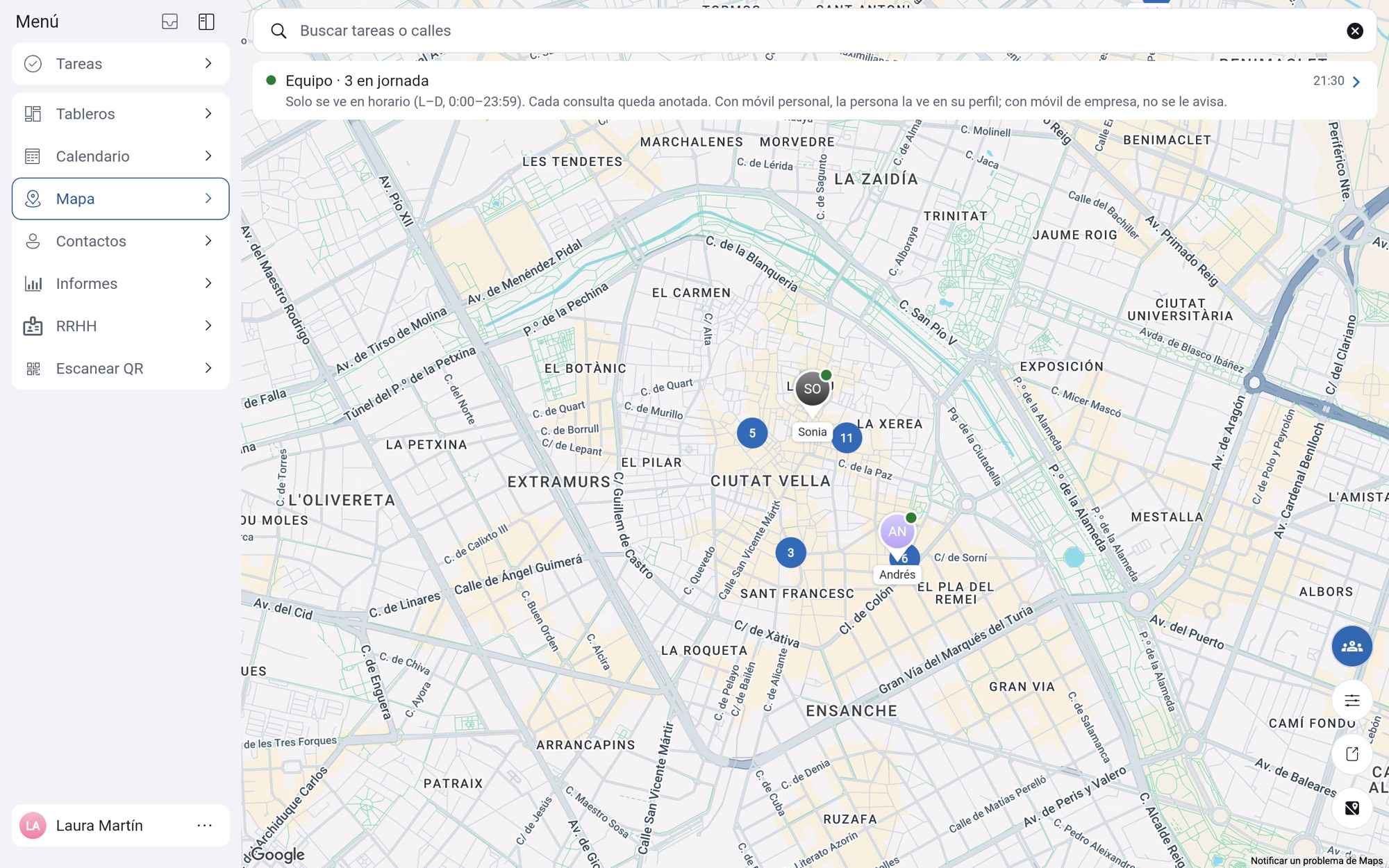
Every task and every client at its address. Tap one to see its details, who’s in charge and its chat.
The day’s jobs in order. One tap opens the address in Google Maps, Waze or Apple Maps.
When you reach the client’s location, the app asks “Still at…?”, and when you leave, “Finished?”. One tap and the office knows.
It comes switched off. Each company turns it on in HR, with its own legal notice and working hours. In an emergency, “Who’s nearest?” suggests who to send.
Everyone sees a notice while sharing their location, can pause it and knows who has looked. It deletes itself after 1, 7 or 30 days, as the company chooses.
Connects with what you already use
If your company uses Odoo (versions 17 to 20), install our free module and create TaskTeam’s access with one click. From then on they sync on their own, both ways. Everyone keeps working in their usual program and the other one stays up to date.
TaskTeam Connector, already on the Odoo App Store: in Odoo’s Settings you create the access with one click and remove it whenever you like with “Disconnect”. For Odoo 17, 18, 19 and 20.
Odoo and HR › Staff, always matching, with their job titles: a new starter or a change on one side shows up on the other.
TaskTeam’s Contacts and Odoo’s, kept up to date both ways, ready for you to open their inbox. Even if you don’t use Odoo Invoicing.
Holidays, sick leave, missed days and leave, including holidays set by the company, and the hours clocked from the phone, go back and forth with Odoo.
When you write the delivery note, you pick materials from your Odoo inventory as you type: TaskTeam has no inventory of its own, it reads yours from Odoo. The signed delivery note reaches Odoo as an order, with its PDF, and Odoo updates the stock. When you invoice it, TaskTeam marks it as invoiced.
Your staff, from an Excel file. Your clients and suppliers, from a CSV file, your phone’s address book or vCard files.
Available free on the Odoo App Store. TaskTeam isn’t a payroll or accounting program: it connects with the one you already use.
Wherever your team works
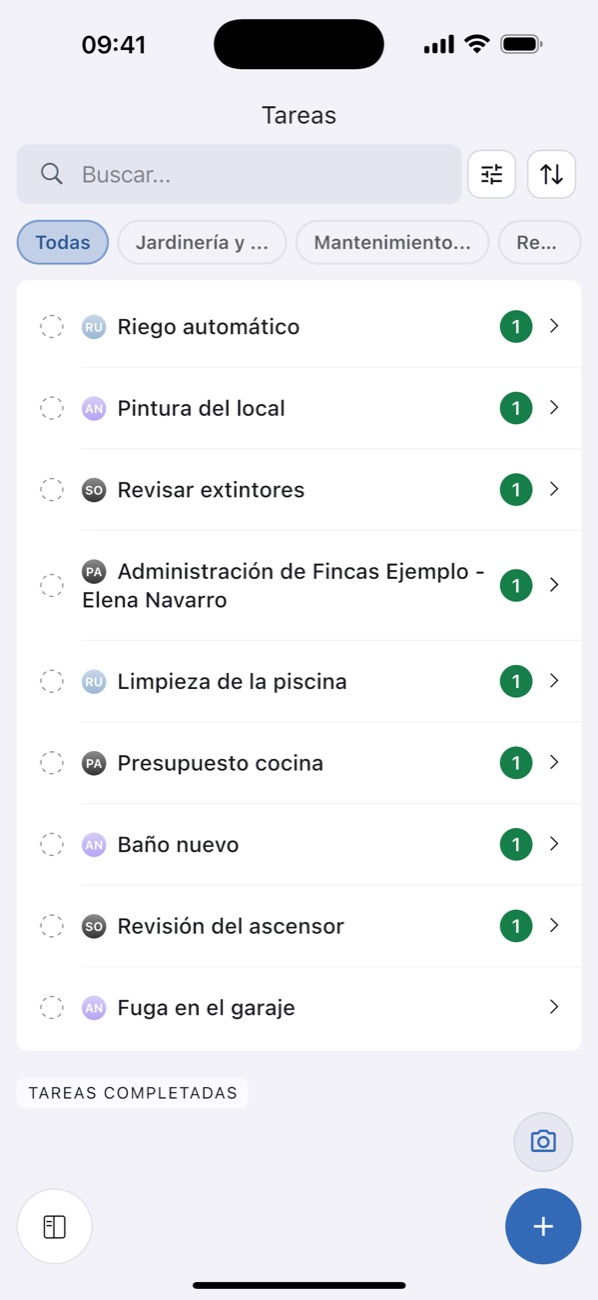
What the technician sends from their phone, the supervisor sees at once on their iPad and the office on the computer. iPhone, iPad, Android and browser, with the same account.


Pricing
After that, €3 per person per month, plus VAT.
A company with 12 people pays €24 per month, plus VAT. Its 40 clients join free.
Start for free, no card neededIf they can use WhatsApp, they can use TaskTeam. Taking a photo and sending it to a job takes three taps.
No. They join free as guests through their inbox. They only see what’s theirs.
Send them the link to their inbox, show them the QR code or pick them from your contacts. If they already have the app, they get a notification straight away.
Yes, on the phone. What you send without signal goes out by itself once the signal is back.
No. It’s free for up to 4 people. If you pay, it’s month to month and you can stop whenever you like.
The app and the database run in Europe (France and the UK), and the files in Western Europe. Data is always encrypted in transit and we back it up every day. Your data belongs to your company.
Only if your company turns it on. Each person shares it only during their working hours and always sees a notice while sharing.
Yes, with Odoo 17, 18, 19 and 20. Install TaskTeam Connector free from the Odoo App Store (apps.odoo.com), create the access with one click and from then on they sync on their own, both ways: people and job titles, clients and suppliers, absences, time records, delivery notes and invoicing status. On a delivery note, you pick materials from your Odoo inventory as you type. It always works with Odoo.sh or your own server; with Odoo Online you need its Custom plan.
If your company turns it on, the working day ends automatically. That person gets a notification and, if they are still working, says so with “Still working” (on the web; coming soon to the mobile app too). The office sees those days marked and can correct them.
Yes, if your collective agreement or your own rules allow it. The office sets closures for the whole company or one location, or proposes dates to each person, who answers “Works for me” or “Other dates”. Everything shows on the team calendar. For now on the web; coming soon to the mobile app too.
Try it this week with your team. Free for up to 4 people, no card needed.
Download it onApp StoreGoogle Play